Key takeaways
- Open on the payoff, not the introduction.
- Change something on screen every few seconds: a cut, a zoom, text or a new angle.
- Write captions for silent viewing and keep them inside the safe area.
- End where the video can loop, or with one clear next step.
01The first second: show the payoff
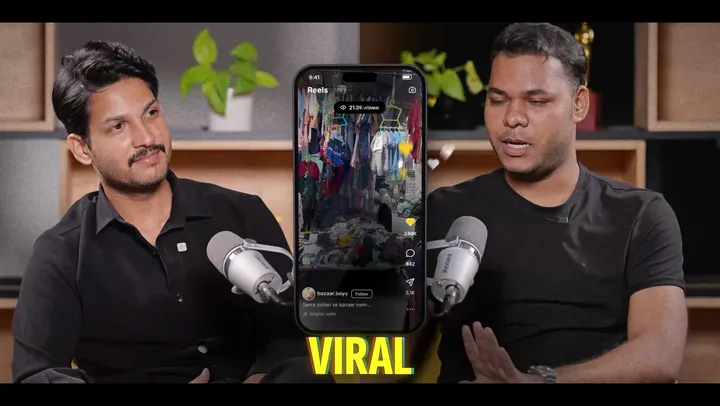
The opening frame has one job: give a reason to keep watching. Strong openings show the result first (the finished room, the final look, the answer) or start with a bold line that creates a question.
Weak openings start with a logo, a greeting or a slow camera move. Move those to the end, or cut them.
02Pacing: remove every pause
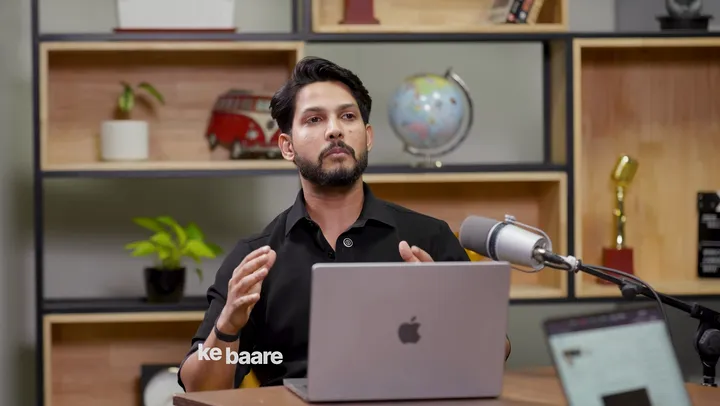
Short-form pacing is tight. Editors remove breaths, filler words and repeated takes, and use jump cuts to keep the speaker moving forward.
Keep the rhythm natural, though. Cutting every gap can make a person sound robotic, so leave a beat after a key line to let it land.
03Captions people can read
Captions now carry most of the message. A few rules make them work:
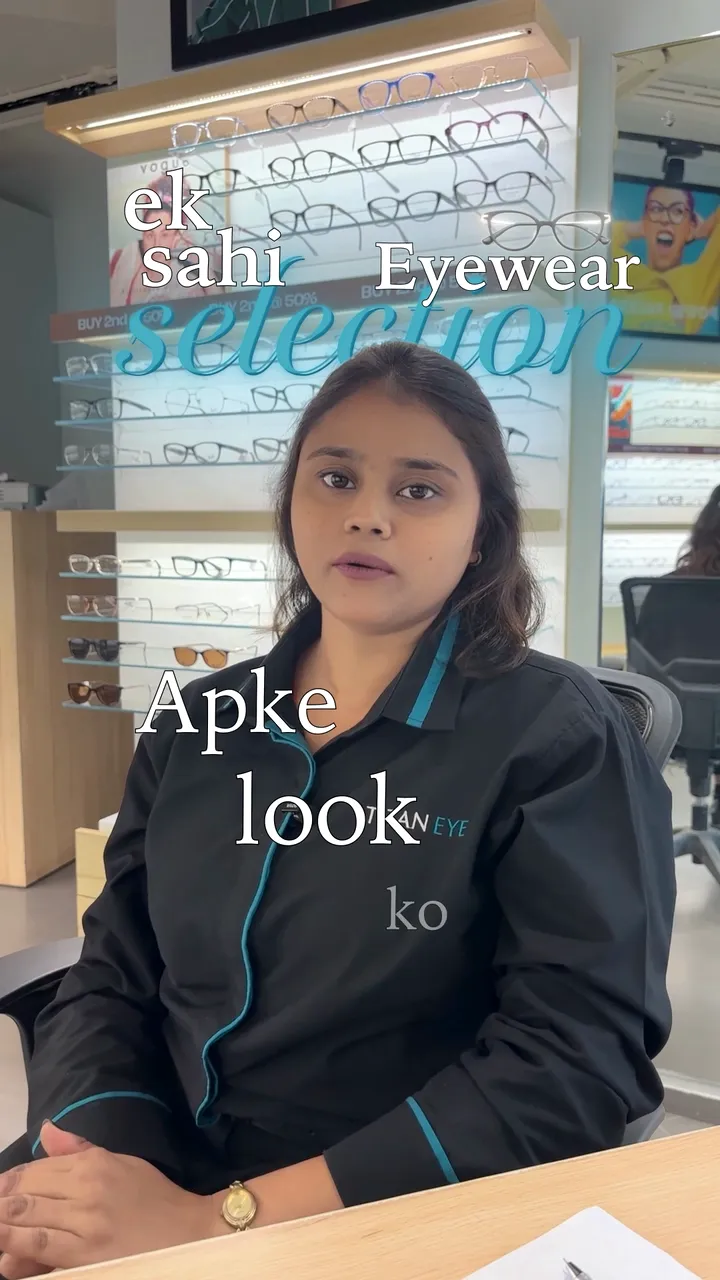
- Show two to five words at a time, timed to the voice.
- Use strong contrast: white text with a shadow, or a coloured box behind it.
- Use your brand fonts and colours so viewers recognise your videos.
- Highlight the one word that matters in each line.
 Our serviceReels and shorts editingSee how we edit reels
04Sound that fits the cut
Sound design makes a reel feel quick without feeling rushed. Music sits under the voice, and small sound effects mark cuts, text and transitions.
If you want a trending sound, add it in the app when you post, so the reel stays linked to the trend. Inside the edit, choose licensed music that fits the pace.
Want this done for your videos?
Send us your footage and a short brief. We reply within one working day with a plan, a price and a delivery date.
05Reel formats that keep working
Talking head with b-roll
One person speaking to camera, with cutaways to the product, screen or place they describe.
Before and after
Show the change first, then how it happened. This works for makeovers, renovations, edits and results.
Listicles
"Three mistakes", "five tips": a clear structure with a number on screen that tells viewers how long to stay.
Walkthroughs and tours
Room-by-room property tours, hotel walkthroughs and store visits, cut on movement with callouts for the key details.
Product reveals and story reels
Build tension, then reveal. Story reels follow one small narrative from start to finish, like our festive reels for Hallmark and Flavours.
06Loops and endings
Reels replay automatically, so a clean loop gets more watch time. Edit the last frame to flow back into the first, or end on a line that sends viewers back to the start.
If you need a call to action, keep it to one: follow, comment, or send a message. A long outro is the quickest way to lose viewers at the end.
07How long should a reel be?
As long as the idea needs and no longer. Most of the reels we edit land between 15 and 90 seconds. A single tip may need 15 seconds, while a property walkthrough may need a minute or more.
If a reel feels long, it usually has a slow start or a repeated point, not too much content.
08Common reel editing mistakes
- A slow introduction before the point.
- Captions hidden under the app's buttons.
- Music louder than the voice.
- Too many effects, transitions and fonts in one video.
- A different look in every reel, so nobody recognises the account.
Frequently asked questions
How long should an Instagram Reel be?
As long as the idea needs. Most reels we edit are between 15 and 90 seconds. Cut the slow parts before cutting the content.
Should I use trending audio?
If it fits the video, yes. Add the trending sound in the app when you post so the reel stays linked to the trend.
Can I post the same reel on YouTube Shorts and TikTok?
Yes. The same 9:16 edit works on all three, as long as text stays inside each app's safe area.
How many reels should I post each week?
Consistency matters more than a number. Pick a schedule you can keep, then record and edit in batches so you never fall behind.